396,964 people have designed with Room AI
Redesign any room. Just say what you want.
Upload a photo of your room and tell Room AI what you'd change: a new style, a different sofa, another color on the walls. Every reply is a new photo of your actual room, with the layout kept.
Free to try, no card needed. No photo handy? Start without one
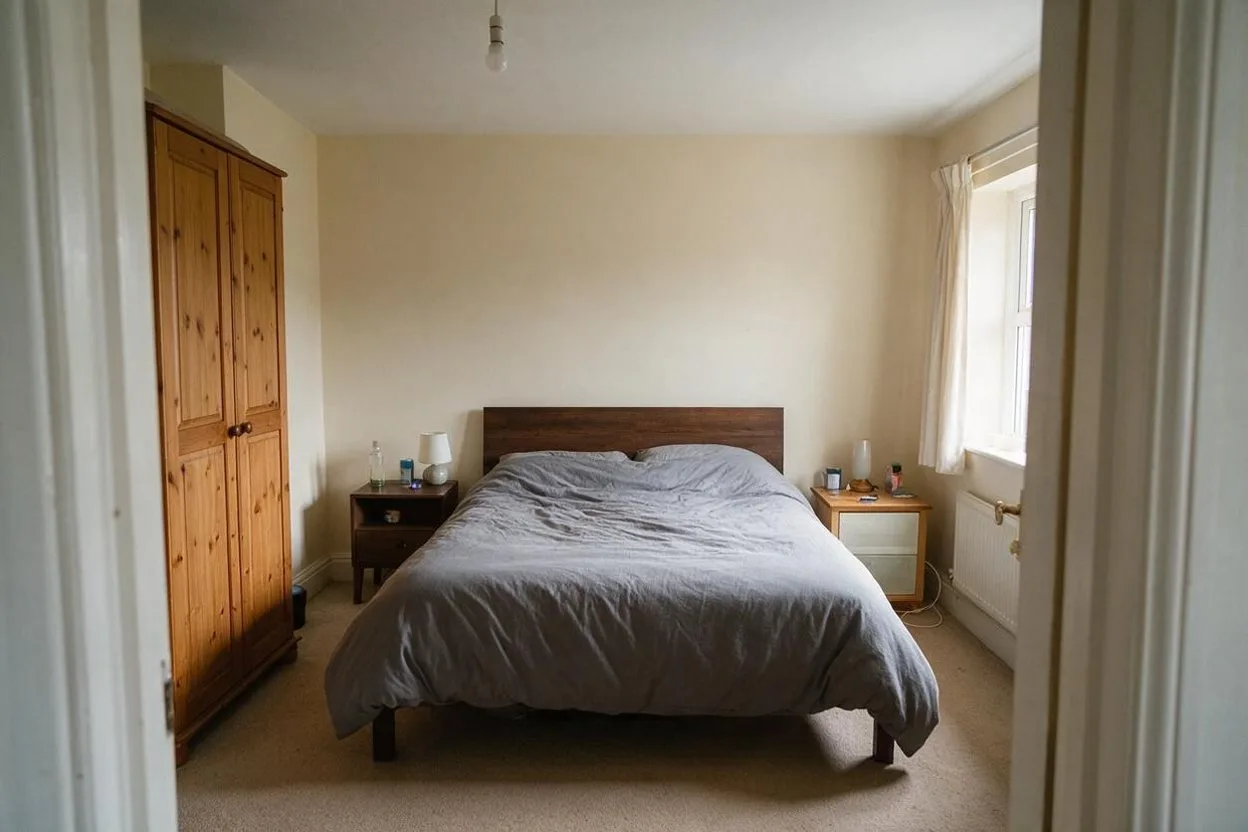
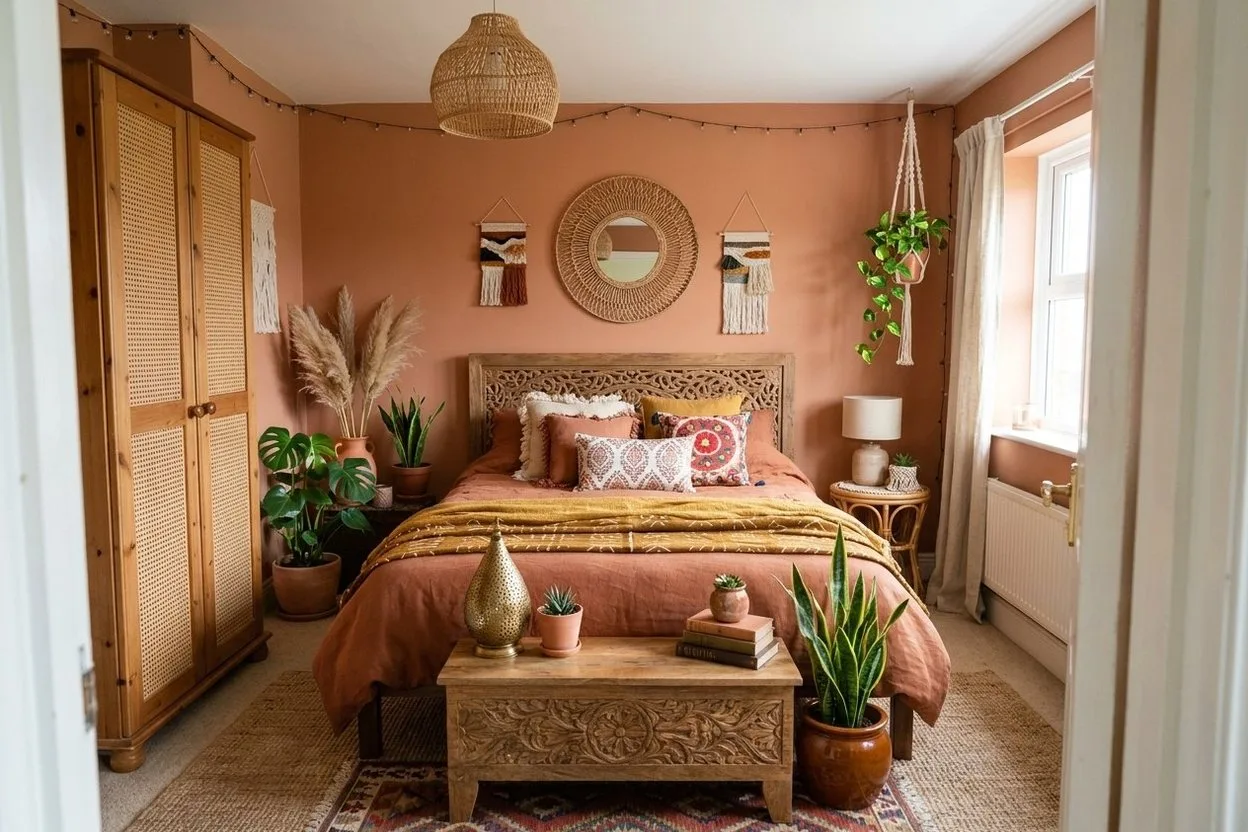
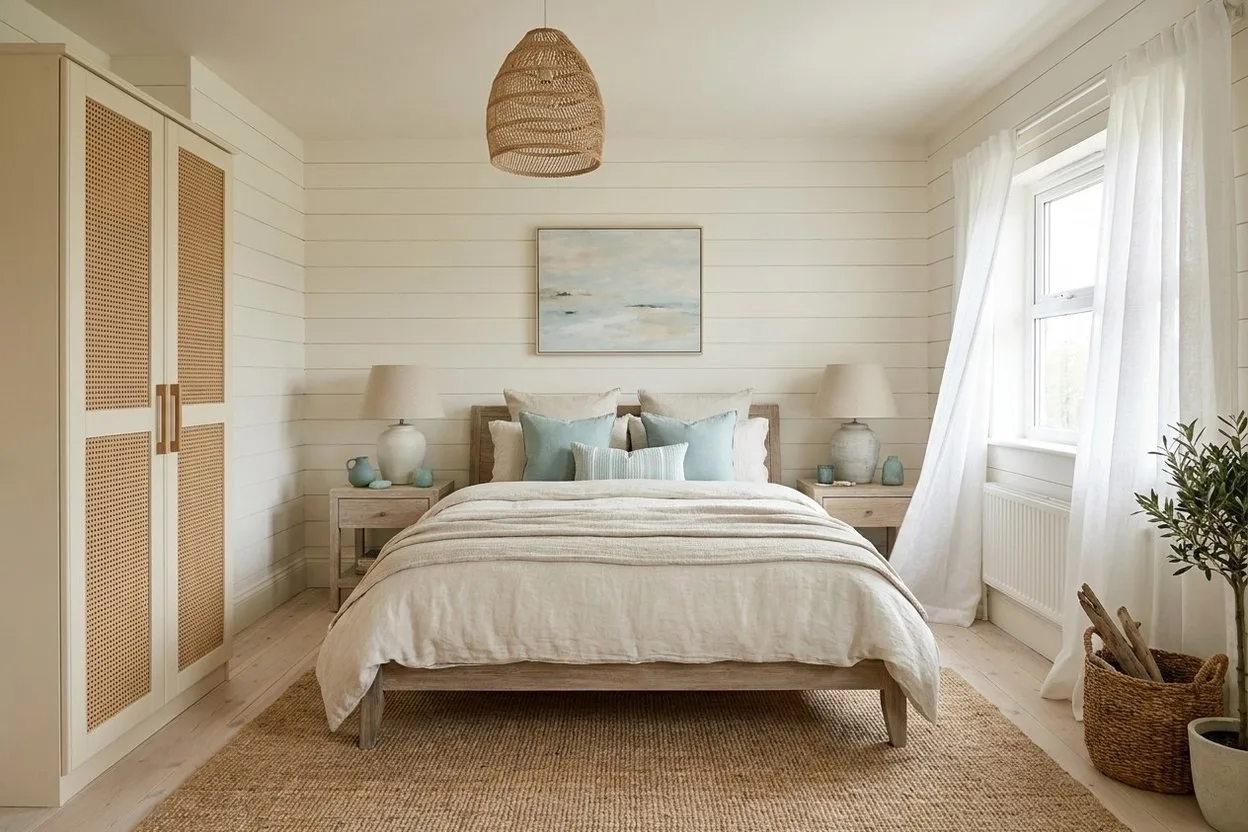
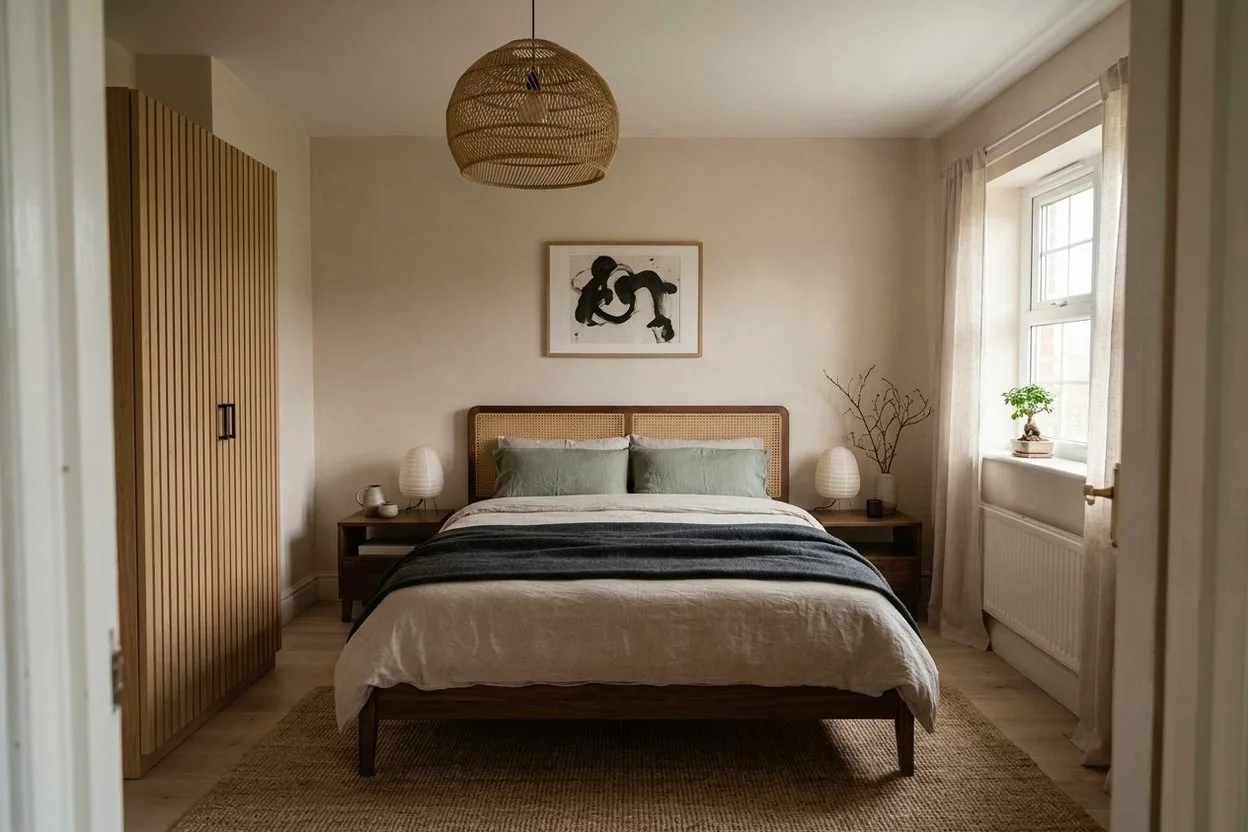
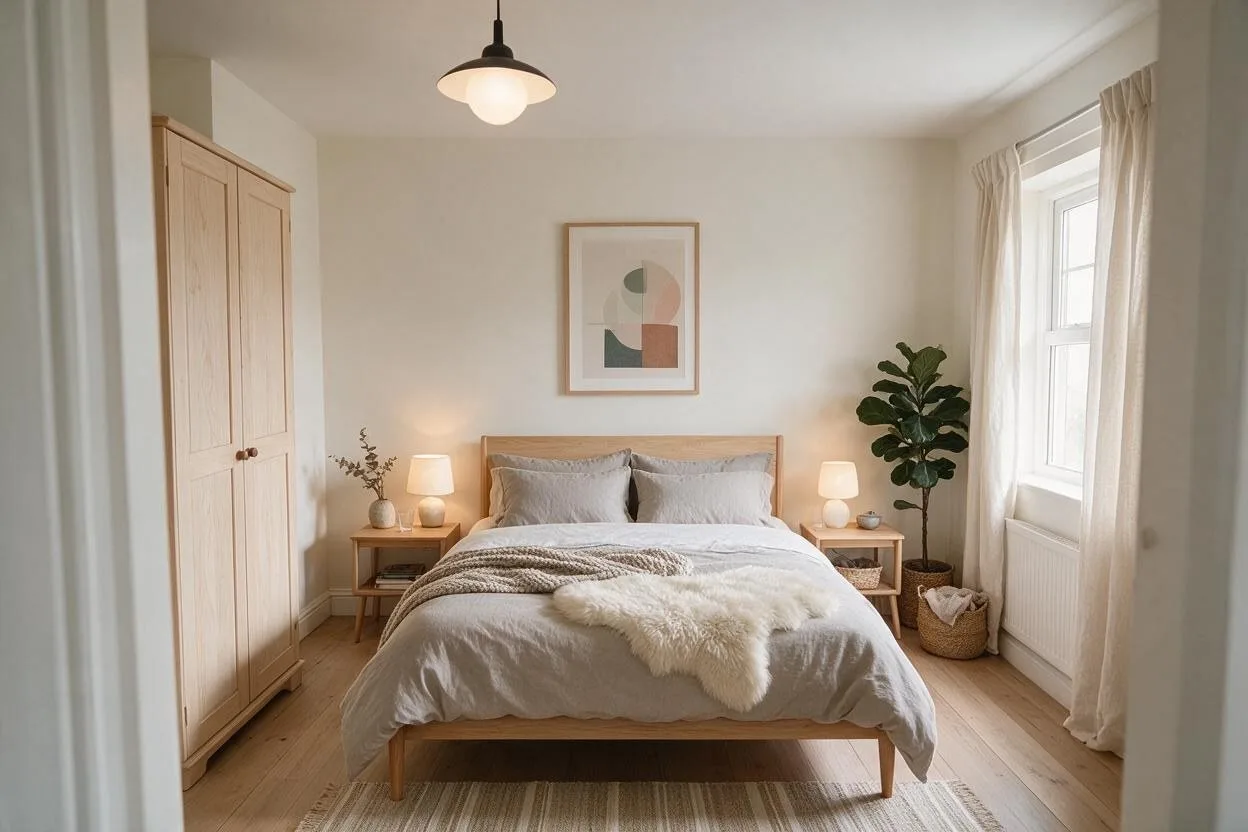
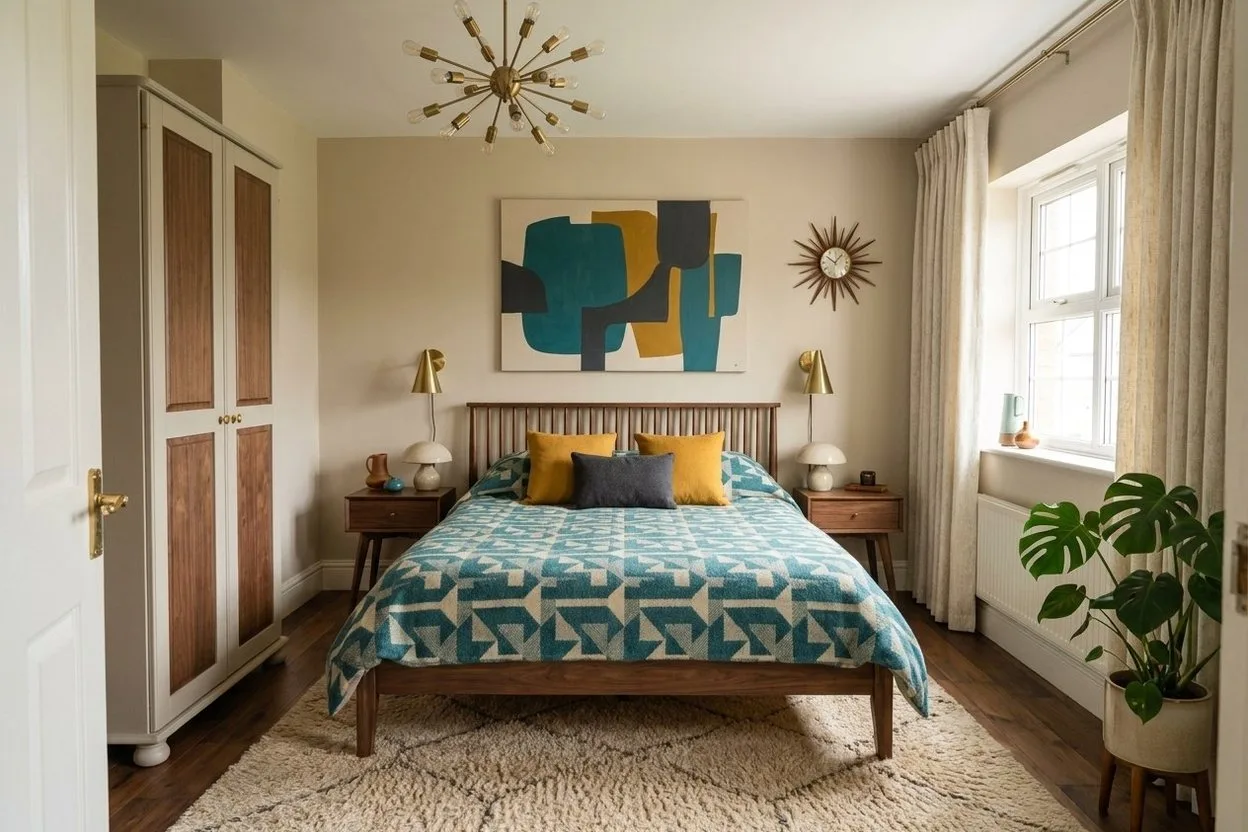
One bedroom, five ways. The wardrobe, the window and the camera stay where they were.
What are you working on?
The same assistant does different jobs for different people. Each page shows it on yours, with real before-and-after pictures.
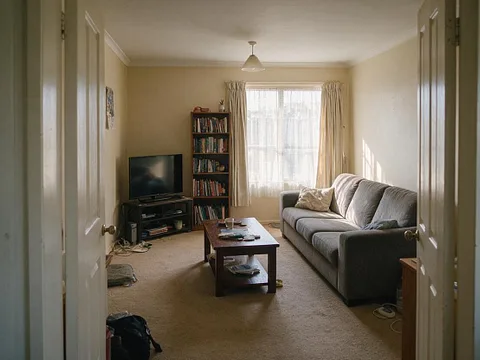 Before
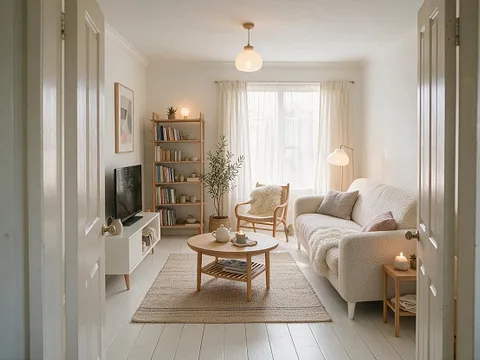 After
After
Your own home
Redesign your room
Restyle it, repaint a wall, swap the sofa. See it before you buy anything.
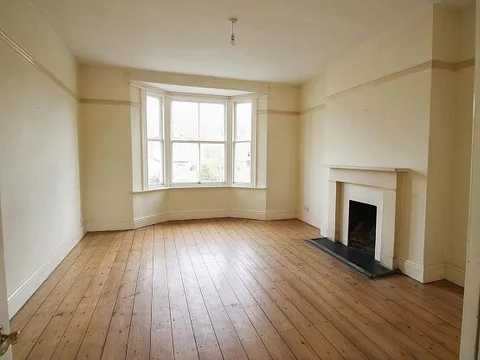 Before
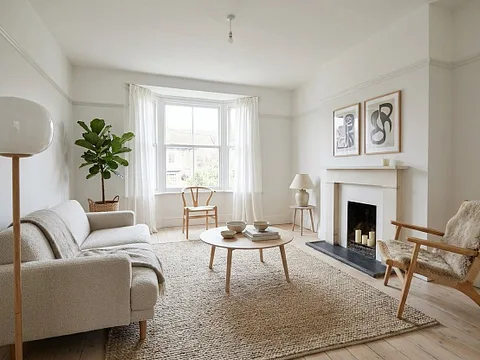 After
After
Selling a home
Stage a listing
Empty, declutter or furnish a room in minutes, and relight the outside.
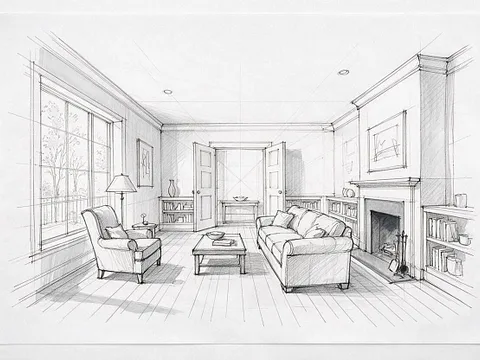 Before
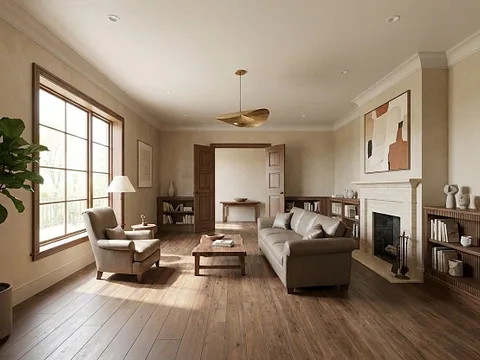 After
After
Designing for clients
Render a sketch
A photo from a drawing, then three directions in the client's own room.
Change one thing at a time
Say it the way you'd say it to a designer. Only what you asked for changes; the rest of the room stays as it was. Pick a line to see.
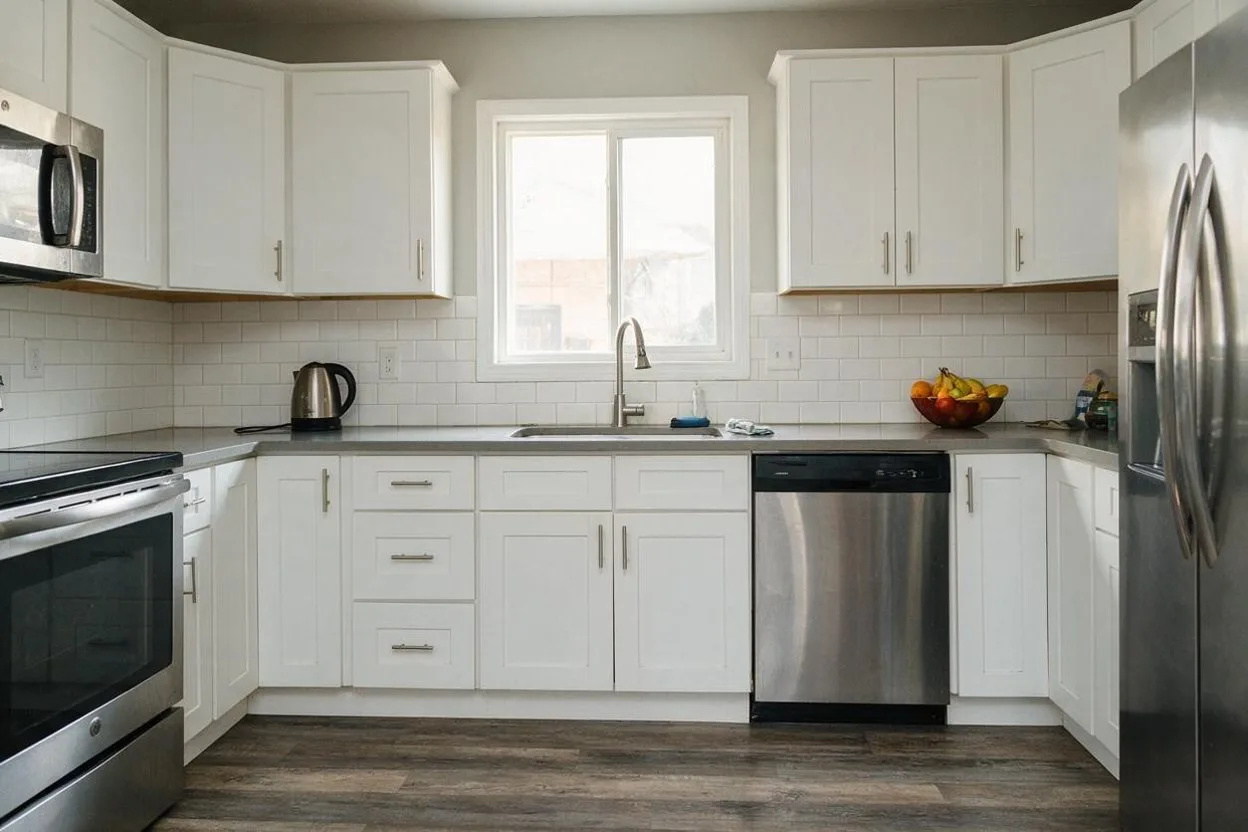
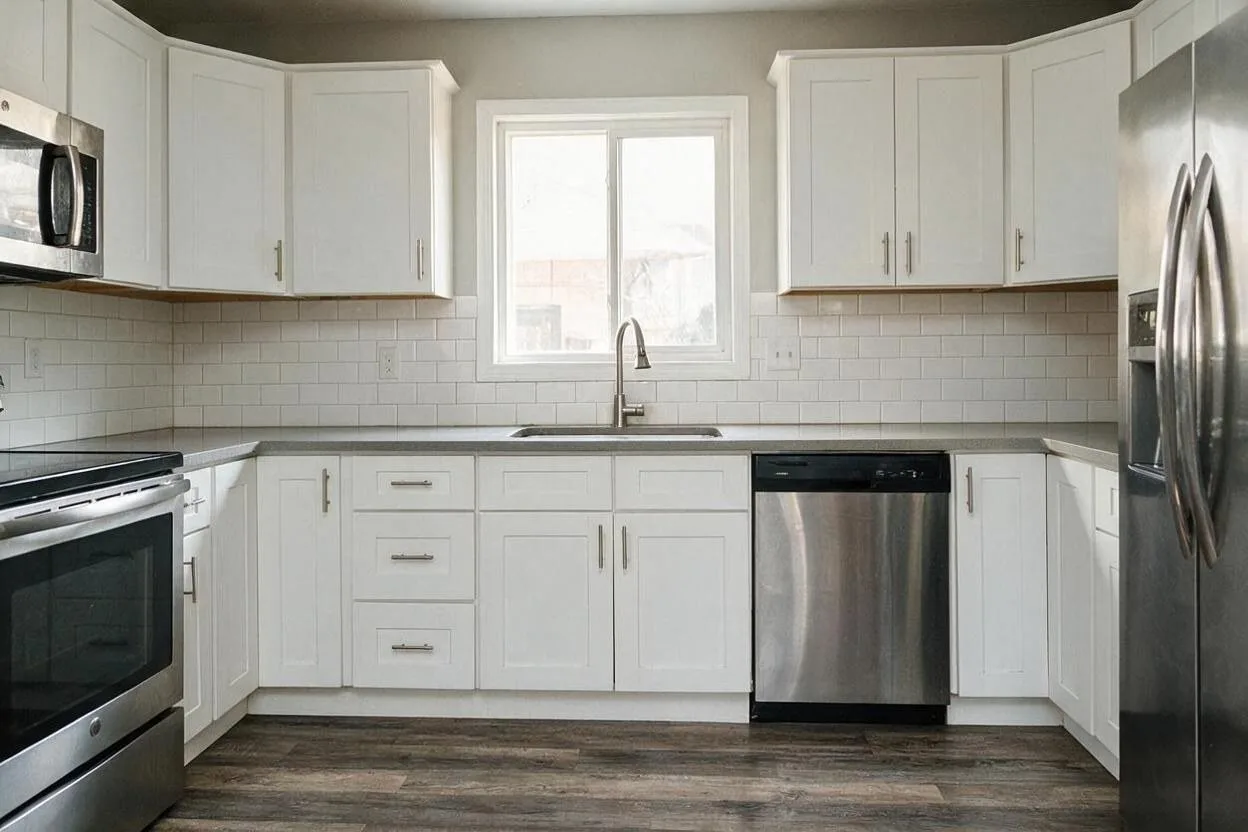
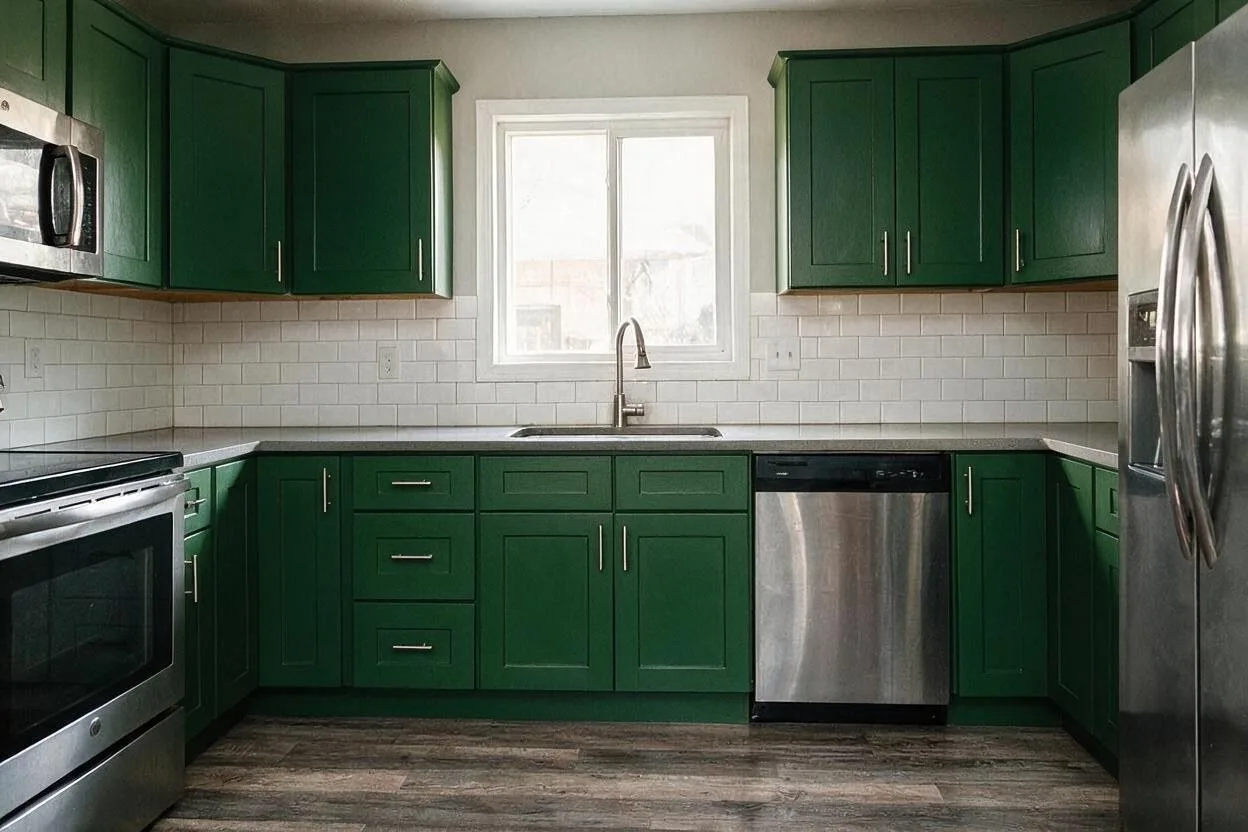

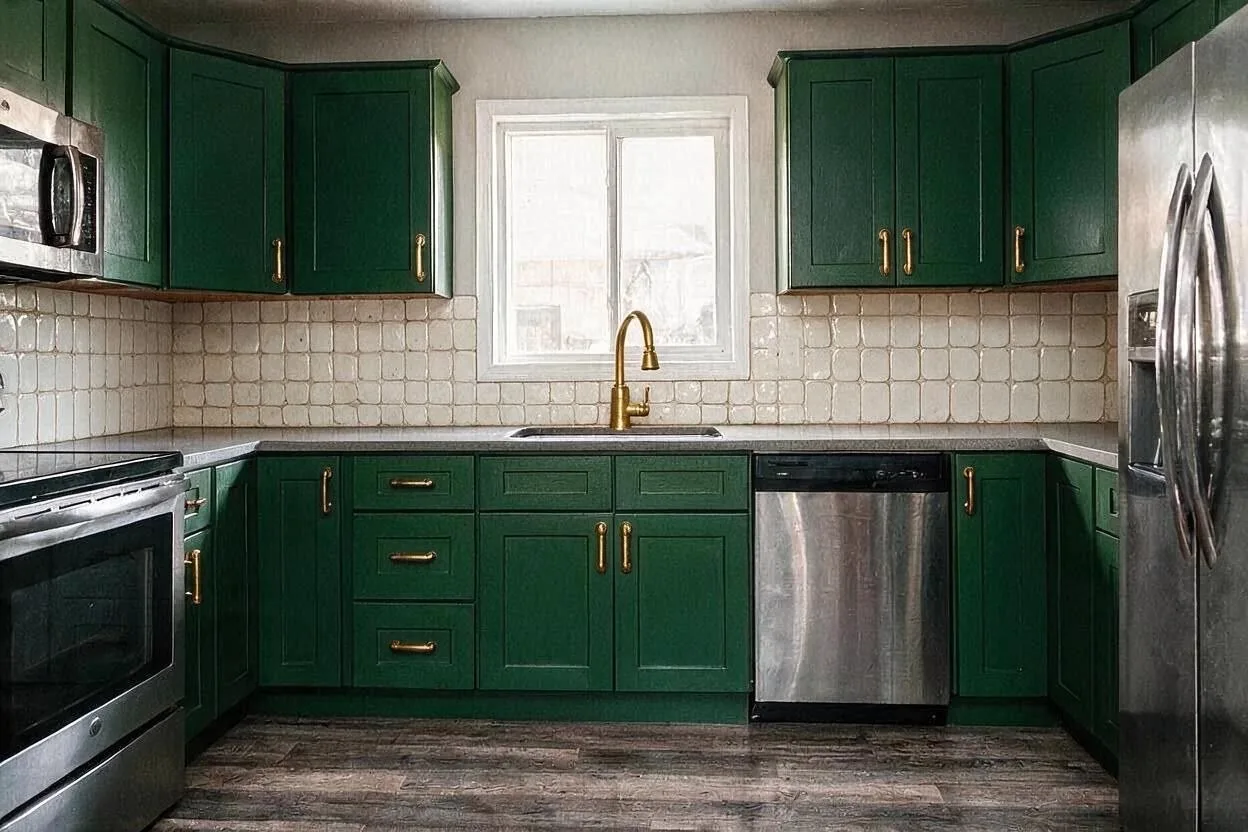
Or start from a look
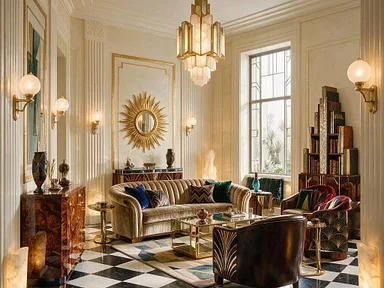
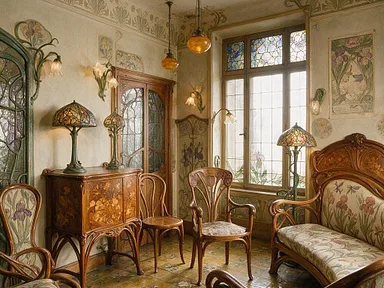
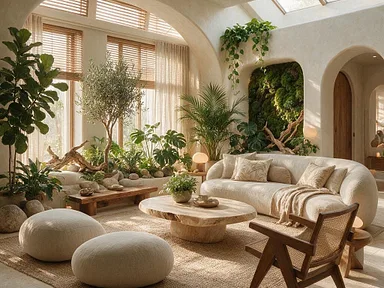
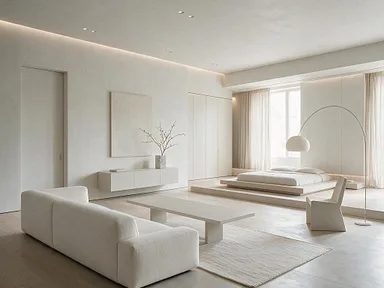
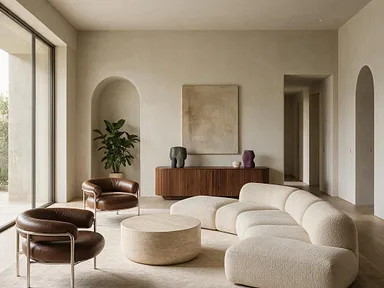
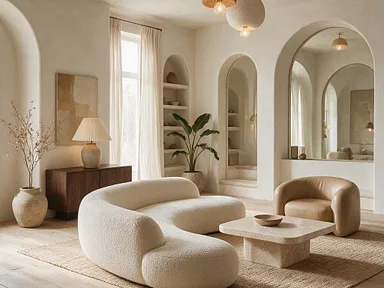
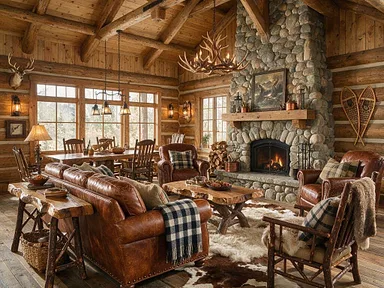
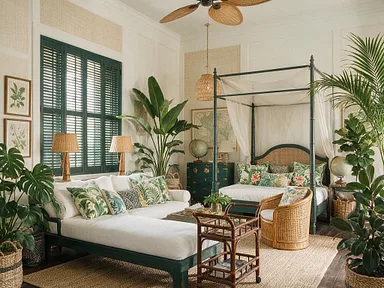
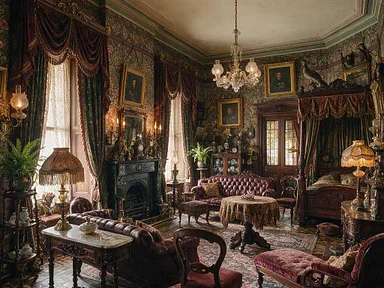
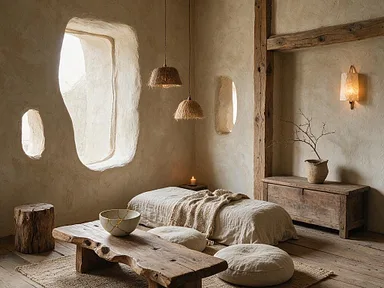
32 styles built in, each with a picture, so you can point instead of describing. Name any other, or show a photo you like.
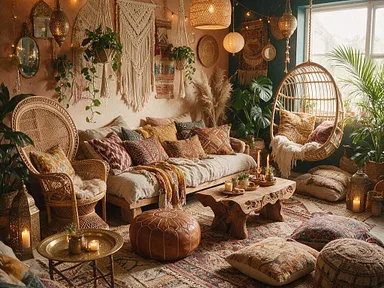
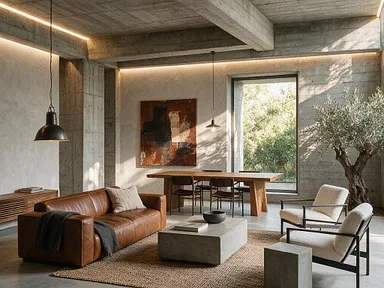
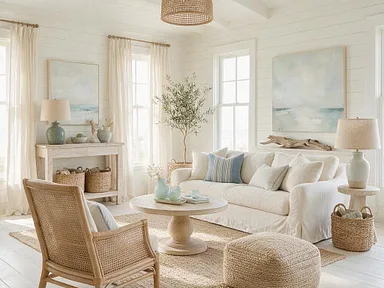
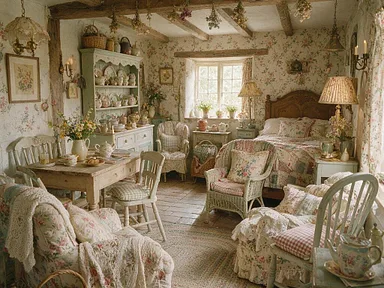
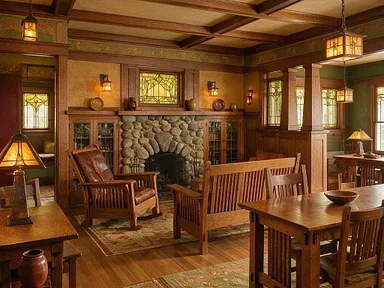
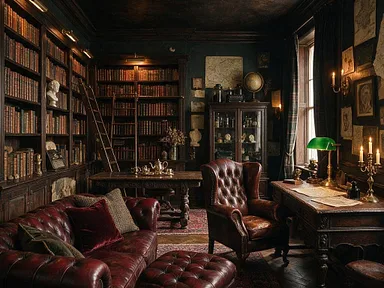
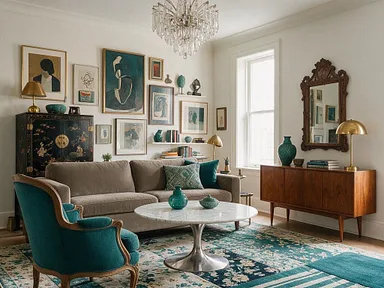
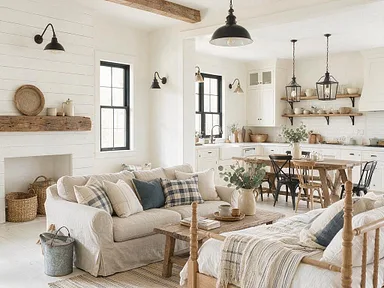
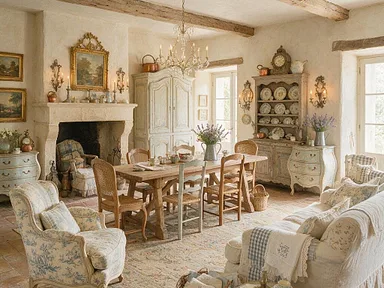
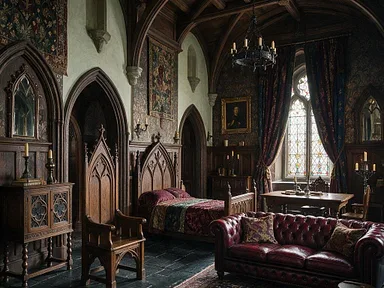
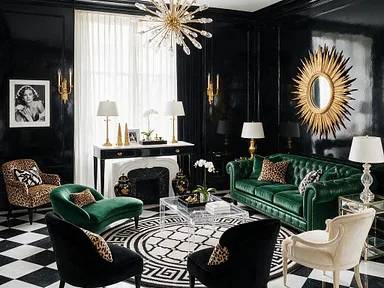
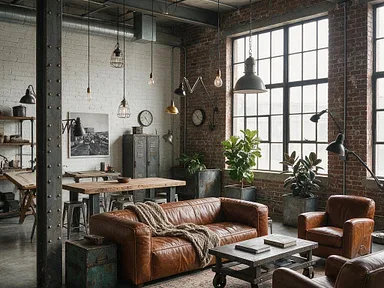
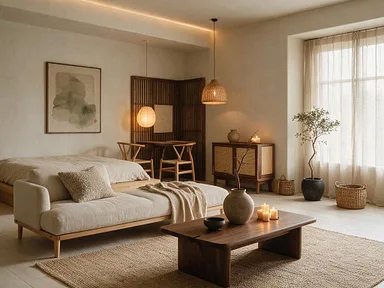

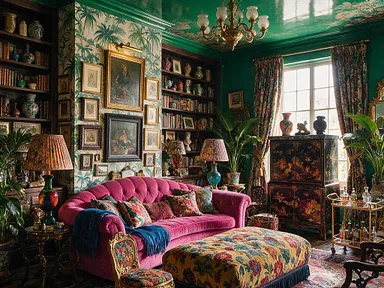
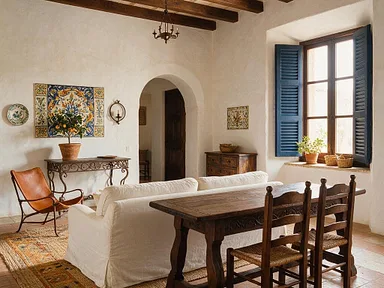
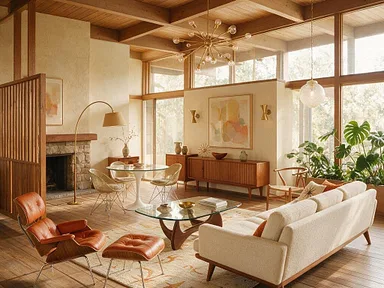

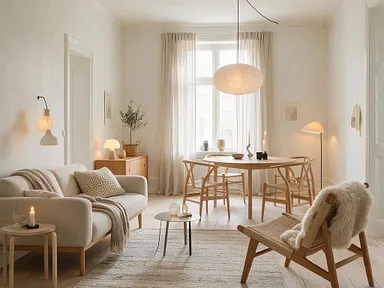
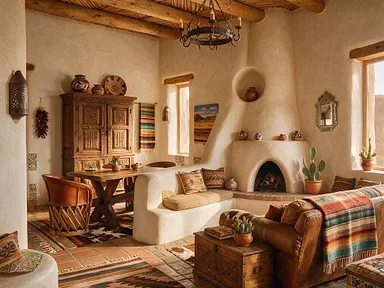
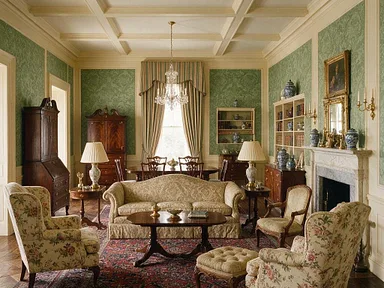
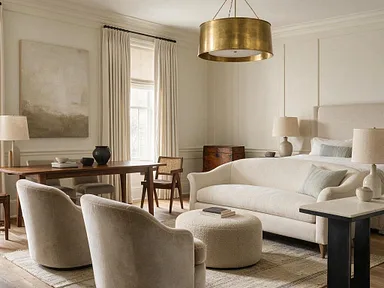
How it works
-
Upload a photo of your room
A phone photo in daylight is enough. No photo handy? Start from a style, or from an empty room.
-

Say what you'd like
The way you'd say it to a designer. Or pick a style from the library, or show a photo you like.
-

Keep going
Change one thing at a time. Every version is kept to compare; upscale the one you like and save it.


More than restyling
Each of these is one sentence said about one phone photo.
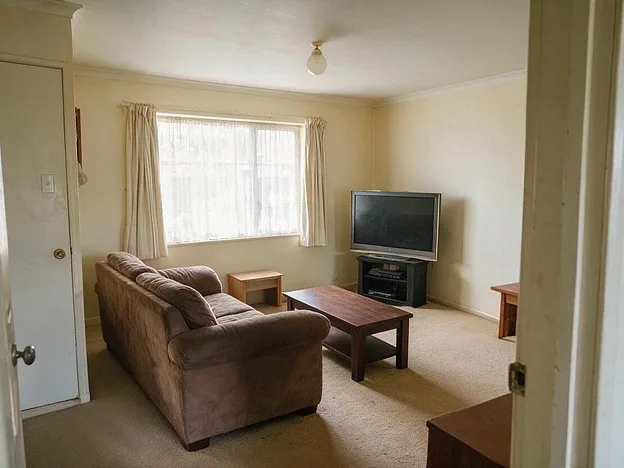 Before
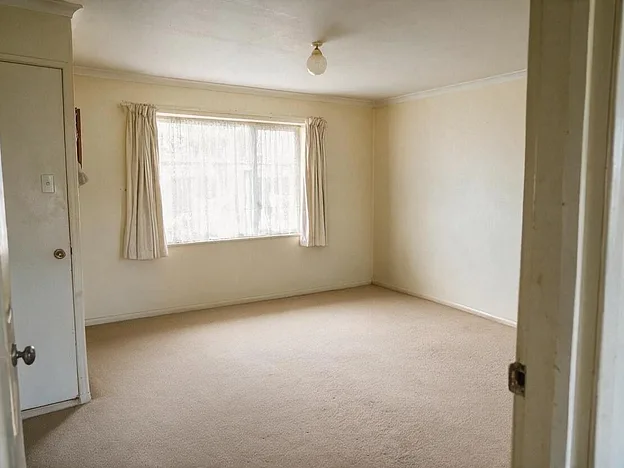 After
After
Take all the furniture out.
Emptied, with the carpet and walls filled in behind.
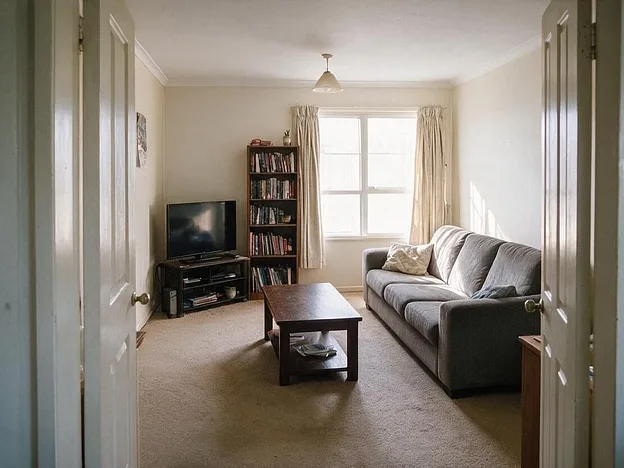 Before
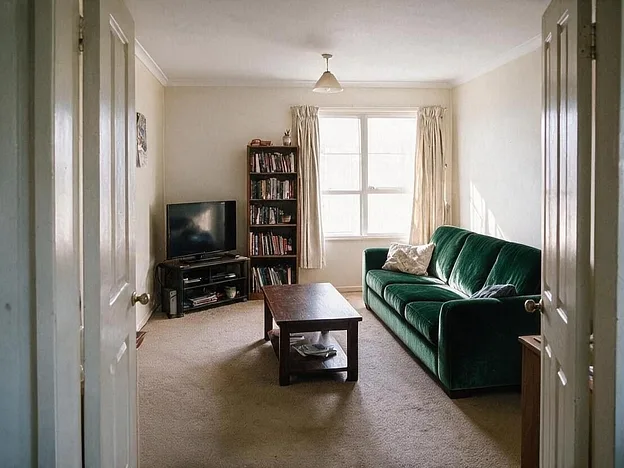 After
After
Swap the sofa for a dark green velvet one.
Same size, same place, green velvet. Nothing else moved.
 Before
 After
After
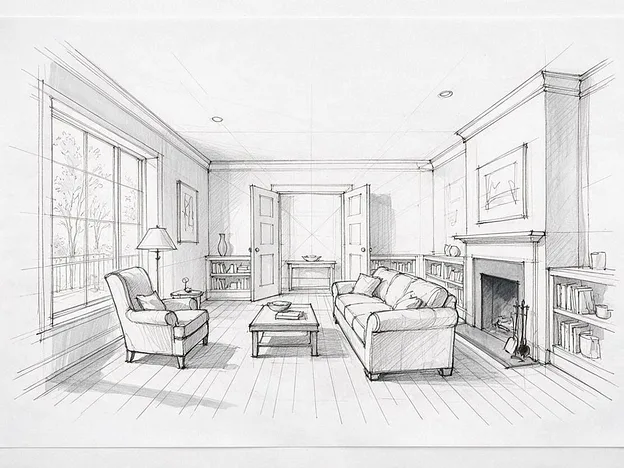
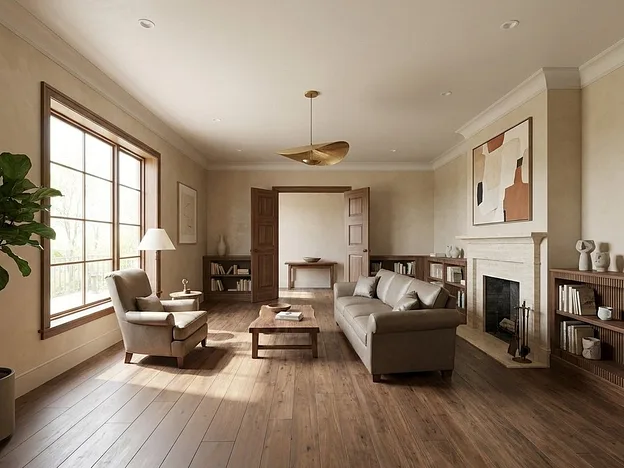
Render this sketch as a modern room.
The drawn walls, openings and positions kept.
 Before
 After
After
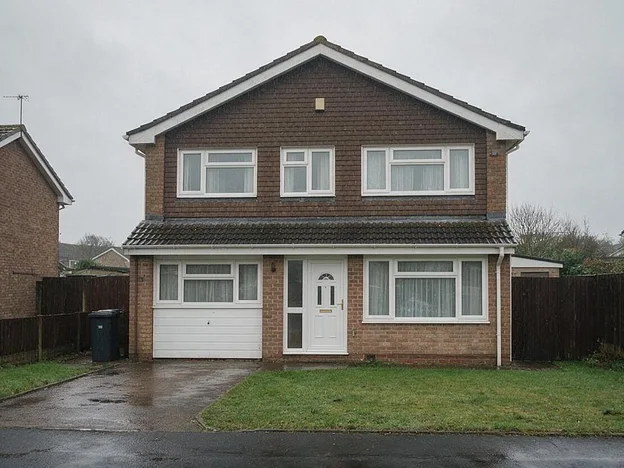
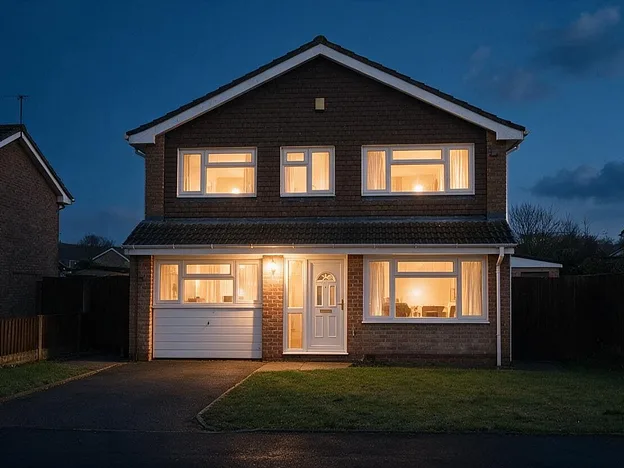
A dusk shot with the lights on.
Same house, relit.
Side by side
What you'd get from a one-step app, from a designer, and from a conversation that keeps going.

- 396,964
- people have designed with Room AI
- 2022
- the year it started
- 32
- styles built in, and any you can name
Plans, in plain sight
Try it first, no card needed. Then a plan sized for how much you design.
Personal
For your own home
$19/month
billed yearly
- Standard usage
- Personal use
Pro
For designers and agents working with clients
$69/month
billed yearly
- 4× the usage
- Commercial license
Team
For agencies and studios working as a team
$199/month
billed yearly
- 12× the usage
- Commercial license
- Up to 5 people
Questions people ask
What is Room AI?
An AI interior design assistant you talk to. Upload a photo of a room and say what you'd like changed, and each reply is a new photo of that room with the change made. It restyles a whole room, changes one thing at a time, empties and stages rooms for sale, renders a designer's sketch and relights a photo for dusk.
Is it free?
You can try it on a photo of your own room before paying, and signing up takes an email address, not a card. When you want more, plans start at the price on the pricing page, monthly or yearly, cancel any time.
Will it keep my room as it is?
Yes. The walls, windows, doors and the angle the photo was taken from stay where they are. Room AI changes what you asked for and leaves the rest, so the picture is your room with the change made, not a different room in that style. If a picture does move something, say so and the next one fixes it.
What kind of photo should I upload?
Any phone photo in daylight, taken from the doorway or a corner so most of the room is in frame. It doesn't need tidying first: ask Room AI to clear the clutter and it will, before anything else changes.
Can I change just one thing?
That's the usual way to use it. "Paint the far wall sage green." "Swap the sofa for a green velvet one." "Try a darker floor." One sentence changes one thing and keeps everything you've done so far, and every version is kept to compare side by side.
Does it do kitchens, bathrooms and the outside of a house?
Yes. Kitchens and bathrooms keep their plumbing and appliances where they are while the cabinets, tile, countertops and fittings change. Exteriors can be relit for a sunny day or dusk, repainted or re-landscaped. See kitchens, bathrooms and listings.
Can I use the pictures for a listing or a client?
The Personal plan is for your own home. Pro and Team come with a commercial license, for listing photos, client presentations and marketing. The pricing page has the details.
What happens to my photos?
They stay in your account. Nothing you upload or make is published on this site or shown to other users, and you can delete a design, or the whole account, whenever you like. The privacy policy has the full terms.
Who made Room AI?
Marc Köhlbrugge, an independent developer, in 2022. He still builds and runs it, and email reaches a person.
Start with a photo of your room.
A phone photo is enough. Free to try, no card needed.