

Free tool
A color palette from a photo.
A room you love, a painting, a beach at dusk: any image works. Drop it in and get its color palette for your home, with hex codes, a name for each color and where it goes in a room.
Your palette appears here: five colors, their hex codes, and where each goes in a room.
How it works
-
1
Drop a photo
Anything with colors you like: a hotel lobby, a painting, a field of lavender. It isn't kept.
-
2
The colors are measured
The three that cover most of the photo and the two most vivid of the rest, with exact hex codes.
-
3
Then see your room in them
Each color gets a name and a place in a room. One click takes the palette to your own room.
Or start from one of ours
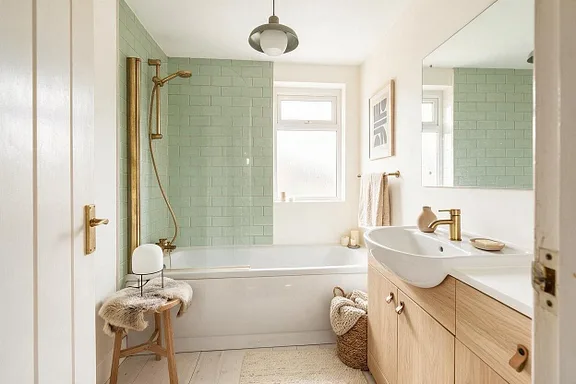
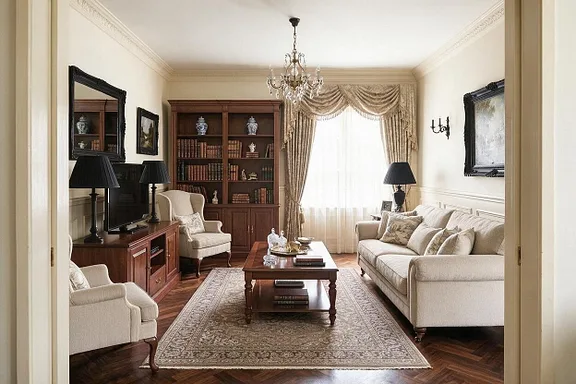
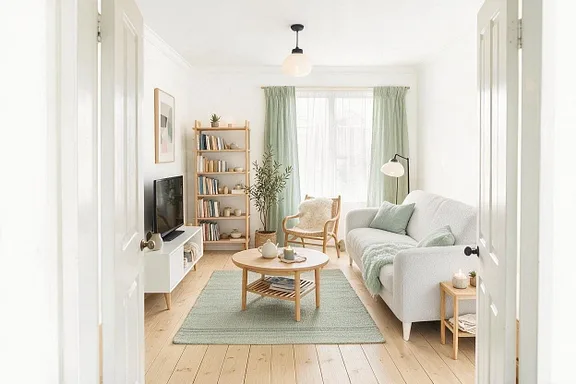
Palettes for every style, room and favorite color, each on a real room.
Questions people ask
Is it free?
Yes, and no account is needed. An account is only for seeing your own room in the palette.
Can I use any image, not just a photo?
Yes: a screenshot, a painting, a Pinterest pin, a product shot. A JPG, PNG, WebP or HEIC image up to 20 MB.
Do you keep my photo?
No. The image is read, its colors measured, and it is thrown away. Only the palette comes back to you.
How are the colors picked?
They are measured from the image, not guessed: the three colors that cover most of it, and the two most vivid of the rest, so a red cushion counts as much as a beige wall. Then each gets a name and a place in a room.
Can it match a paint color from a photo?
It gives you exact hex codes, not paint brand names. Most paint stores can match a hex code, but a photo's light shifts its colors, so hold real samples up in your room before you buy.
Why don't the colors look exactly like the photo?
A photo's colors include its light and shadow, so a white wall in shade measures as a soft gray. The palette is the photo's colors as they appear, which is what you liked about it.